
Article · recording workflow
How to Record a Podcast With Three or Four People
Assign roles, give every voice its own microphone and track, seat people so they stay on-mic, manage crosstalk, and test before a group recording.
- Written by
- JPR Studios
- Published
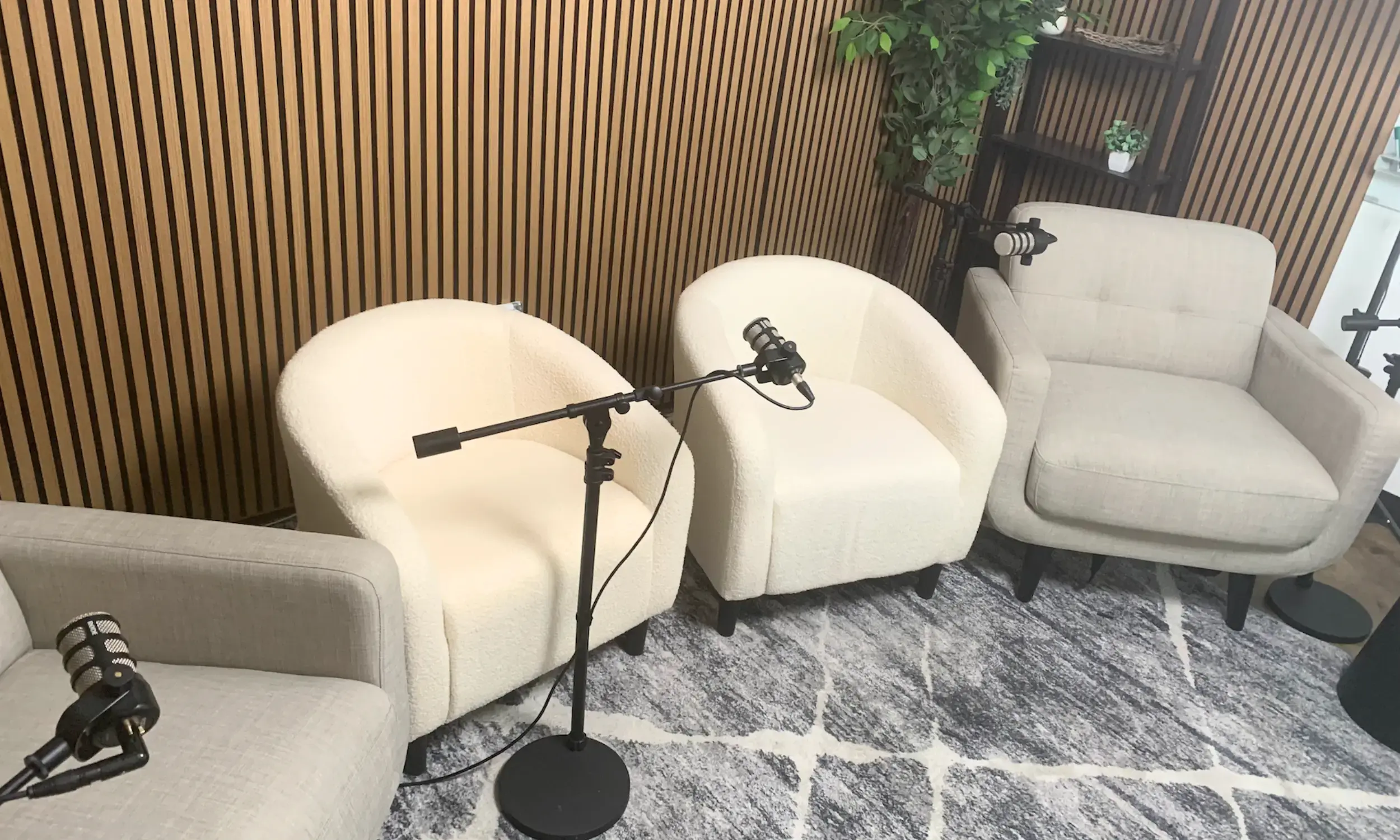
Recording three or four people in one room is a different job from recording a two-person interview. More voices mean more overlap, more chances for someone to drift off-mic, and more decisions in the edit. Most of the work that makes a group episode sound clear happens before anyone sits down.
Give each person a reason to be there
Group episodes wander when every seat has the same job. Before you book, name one host who keeps time, moves between topics, and decides when a tangent has run long enough. Then give everyone else a clear role: a co-host with a standing segment, a guest with a specific story, or a panelist who holds a different view.
Put those roles in the outline. Four people improvising from a single topic line usually produces a long first half and a rushed ending. The script-versus-freestyle guide explains which parts are worth writing out, and the format guide can help you decide whether a panel or roundtable is the right shape for the show at all.
One microphone and one track per voice
Two people sharing one microphone rarely sound even; the person farther away sounds thinner and quieter. A single mixed recording also limits what can be fixed later.
Give each person their own microphone and record each one to its own track. With separate tracks, an editor can raise a quiet voice, remove a cough, or soften one person's laugh without changing anyone else. Separate tracks make overlap easier to clean up, but they do not make two people talking at once easier to understand. That part is still up to the conversation.
Seat people so they can stay on-mic
In a group, people turn toward whoever is speaking. If the seating forces someone to turn away from their microphone to make eye contact, their level drops every time they react.
Arrange seats so everyone can see each other while still speaking toward their own microphone. Ask each person to keep a consistent distance from the mic and to move the stand rather than lean around it.
For video, put the people who will speak most where the close shots are, and remember that a wide shot is the only angle that always shows everyone. JPR rooms use three preset cameras, so check the studio's layout details for your guest count when you book.
Book for the real number of people
Confirm the final guest list before the session. The number of microphones varies by studio: some JPR rooms have four, and others have two or three. Check how many guests a studio supports before you plan an episode around four people. Pricing and layouts also depend on the guest count, and someone who arrives on the day without a booked seat may not have a microphone or a place in frame.
Manage crosstalk without flattening the energy
Some overlap is normal and is part of what makes group shows feel alive. The problem is two people making an important point at the same moment. A few habits help:
- The host hands off by name: "Sam, you disagreed with that earlier."
- Agree on a small hand signal for "I want to come in next."
- Keep side conversations out of the recording.
- After a pile-up on a key point, the host asks one person to restate it cleanly.
Test with everyone before recording
Have each person say their name and a sentence at the volume they use when they are excited, not their polite introduction voice. Play it back. Confirm every voice is on its own track, every face is framed as expected, and laughter is not overwhelming the room.
Silence phones, remove jewelry that can tap a mic stand, and listen for chairs that creak. JPR rooms are automated and crewless, so no engineer is watching levels during the session. The host owns this test.
Make the edit manageable
A group episode produces a lot of material. During recording, have the host or one participant note rough timestamps for strong moments and for mistakes worth cutting. That list can save an editor more time than any other preparation.
JPR's automated rooms deliver raw camera feeds and separate audio tracks after the session. Before handing them off, agree on who has final say on cuts and whether any participant needs to review the episode before it publishes. The editing guide covers the decisions that shape the final cut.
For the full session workflow, including backups and publishing, use the recording guide. When the group and outline are ready, compare current studio locations and layouts before scheduling.
Questions answered
Frequently asked questions
01How many people can record together in a JPR studio?
It depends on the studio. Some JPR rooms have four microphones, and others have two or three. Check the studio's guest-count options when you book so every person has their own microphone.
02Do I need separate audio tracks for a group podcast?
Separate tracks are strongly recommended. They let an editor fix one person's level, remove a cough, or soften a loud laugh without changing everyone else's audio.
Keep learning
Related resources

article ·
How to Record a Podcast Episode: A Practical Workflow
Plan, test, record, back up, edit, and publish a podcast episode with a workflow that works at home or in an automated studio.
Read article
article ·
How to Choose a Podcast Format You Can Sustain
Compare solo, interview, co-hosted, panel, narrative, and hybrid podcast formats by creative fit, scheduling, and production demands.
Read article
article ·
Podcast Interview Tips for Better, More Natural Conversations
Research beyond the bio, ask open questions, listen for follow-ups, plan story beats, and run a simple technical check before an interview.
Read article