
Article · video podcasting
How to Start a Video Podcast: What Changes When You Add Cameras
Decide what the video is for, plan camera angles and eye lines, prepare the set and wardrobe, record for a multicam edit, and publish video and audio versions.
- Written by
- JPR Studios
- Published
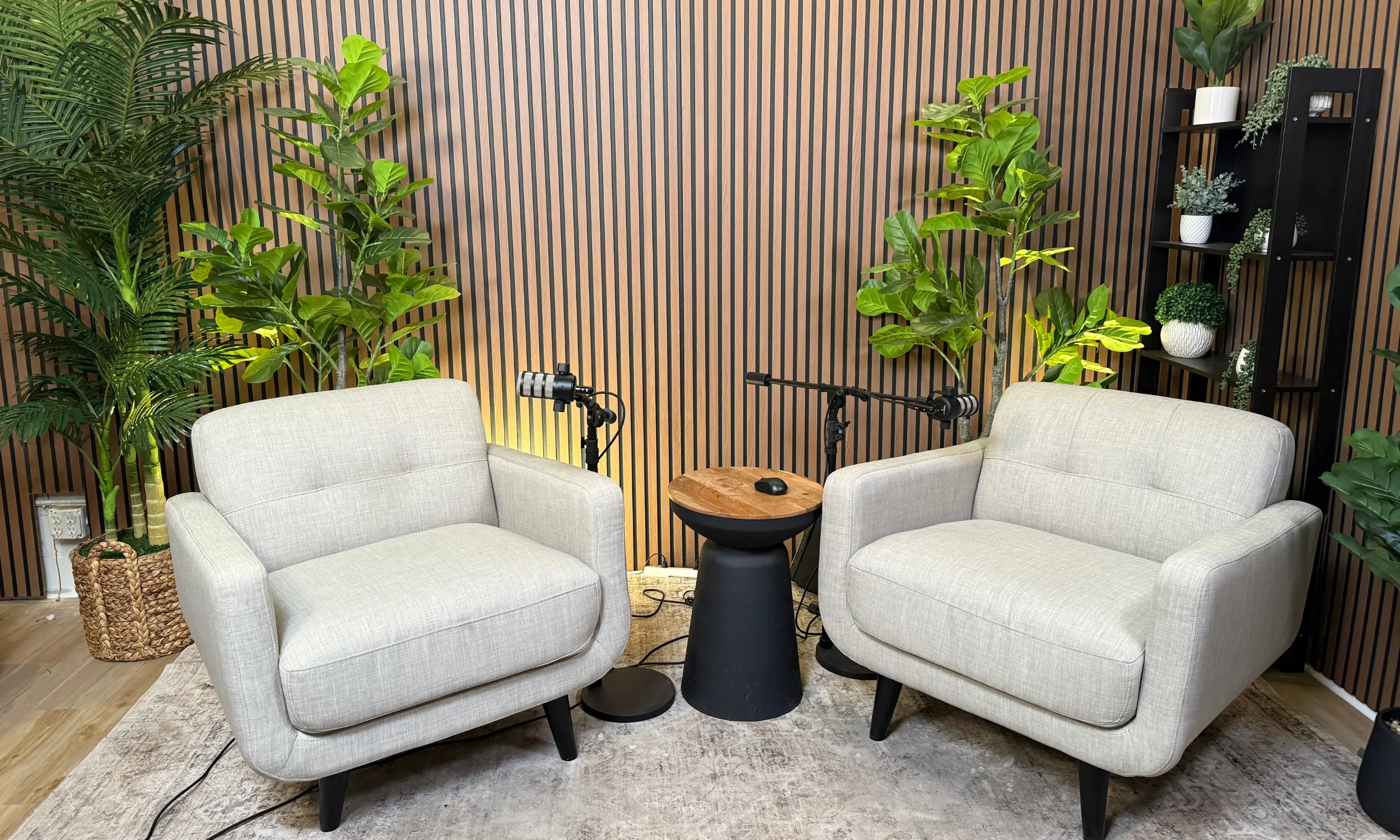
Adding video to a podcast changes more than the file you publish. Viewers see eye contact, reactions, the room, and how people listen. Many people will still play the episode without watching, so clear audio remains the foundation. Video adds a second set of decisions on top of it.
Decide what the video is for
Before choosing cameras, decide where the video will be watched. A full episode on YouTube, short clips for social platforms, and a private recording for a client each need different things.
Full episodes reward steady framing and a few clean angles that hold up for an hour. Short clips need moments that make sense on their own and framing that survives a vertical crop. If clips matter, leave space around each person's head and shoulders so an editor can reframe them later.
Plan the angles and eye lines
A common setup for two people is three shots: one wide shot that shows both of them and one close shot of each. The wide shot establishes the room and covers moments when both people react. The close shots carry most of the conversation. With more people, the wide shot becomes more important, because it is the only angle that always shows everyone.
Talk to each other, not to the lens. Looking into a camera reads as addressing the viewer directly, which suits an intro or a call to action but feels strange in the middle of a conversation. If you plan a direct-to-camera segment, know which camera to look at before you start.
Prepare the set and wardrobe
The background should fit the show and stay the same from episode to episode, so viewers recognize it. Remove clutter, cables, and anything with a logo or artwork you do not have rights to show.
For clothing, solid colors usually work better than fine stripes or small checks, which can shimmer on camera. Avoid colors that blend into the background. If you record several episodes in one session, decide in advance whether each should look like a separate day, and bring changes of clothes if so. The first session checklist covers the rest of the logistics.
Record for a multicam edit
Every camera and microphone should start together, or the editor will spend time lining up files by hand. If you make a mistake, pause and restart the sentence rather than talking over it. Hold still for a moment at the start and end of each segment so there is a clean cut point.
Resist checking the monitor during the conversation. It pulls your eyes away from the other person, and viewers notice. Instead, check framing and focus in a short test recording before the episode.
In a JPR room, three preset cameras, microphones, and studio lighting start in sync with one button. Sessions are automated and crewless, so no operator is adjusting framing during the recording; the short test is yours to run. Raw camera feeds and separate audio tracks are delivered after the session.
Let an editor shape the episode
The edit is where a long recording becomes an episode people watch to the end. A multicam edit follows the conversation: the speaker's close shot most of the time, a reaction when it adds something, and the wide shot to reset after a long stretch. Cut too often and it feels restless; hold one angle too long and it feels static. Choosing those moments for an hour of footage takes time and an editor's judgment.
JPR's editing service handles that work: multi-camera edits with camera switching that follows the conversation, audio cleanup, captioned vertical clips for social platforms, and custom intros. For sessions recorded at JPR, editors work from the raw camera feeds and separate audio tracks, so one voice or one angle can be fixed without affecting the rest. The editing guide explains the decisions that shape a final cut, which helps when you give an editor notes.
Publish video and audio
Upload the full video to the platform where your audience watches, with a specific title, a useful description, chapters, and a thumbnail that shows a real moment from the episode. Publish the audio version through a podcast host so the episode also reaches podcast apps through your RSS feed. Clips can point people back to the full episode.
None of this guarantees an audience. Consistency, a clear topic, and useful episodes matter more than any single camera choice. The audience growth guide and podcast SEO guide cover what helps people find the show.
Build a setup or book a room
Owning a video setup means buying and maintaining cameras, lights, microphones, stands, storage, and a room that can stay assembled. That can make sense for a weekly show recorded in one place. A studio can make more sense when you record less often or do not want to maintain the equipment. The studio-versus-home comparison walks through the tradeoffs, and current studio locations list what each room includes.
Questions answered
Frequently asked questions
01Do I need a separate camera for every person on a video podcast?
No. A wide shot plus one close shot per main speaker is a common setup, but a single well-framed wide shot can work for a simple show. More angles give the editor more choices and more work.
02Should a video podcast also be published as audio?
Usually, yes. Many people listen in podcast apps without watching. Publishing an audio version through a podcast host lets the same episode reach both audiences.
Keep learning
Related resources

article ·
Podcast Studio vs. Home Setup: Which Should You Choose?
Compare home and professional podcast recording by cost, control, acoustics, video consistency, setup time, and the support each option actually includes.
Read article
article ·
Podcast Editing Guide: Six Concepts That Shape the Final Episode
Understand cleanup, pacing, level balance, music, multi-track mixing, and export choices before editing a podcast yourself or hiring help.
Read article
article ·
How to Grow a Podcast Audience Without a Listener Guarantee
Define a specific audience, publish sustainably, package each episode clearly, repurpose selectively, involve guests, and measure what earns return listening.
Read article