
Article · podcast production
How to Use AI in a Podcast Workflow Without Losing Your Voice
Where AI tools save time on research, outlines, transcripts, and show notes, and why the edit itself still needs people who understand the conversation.
- Written by
- JPR Studios
- Published
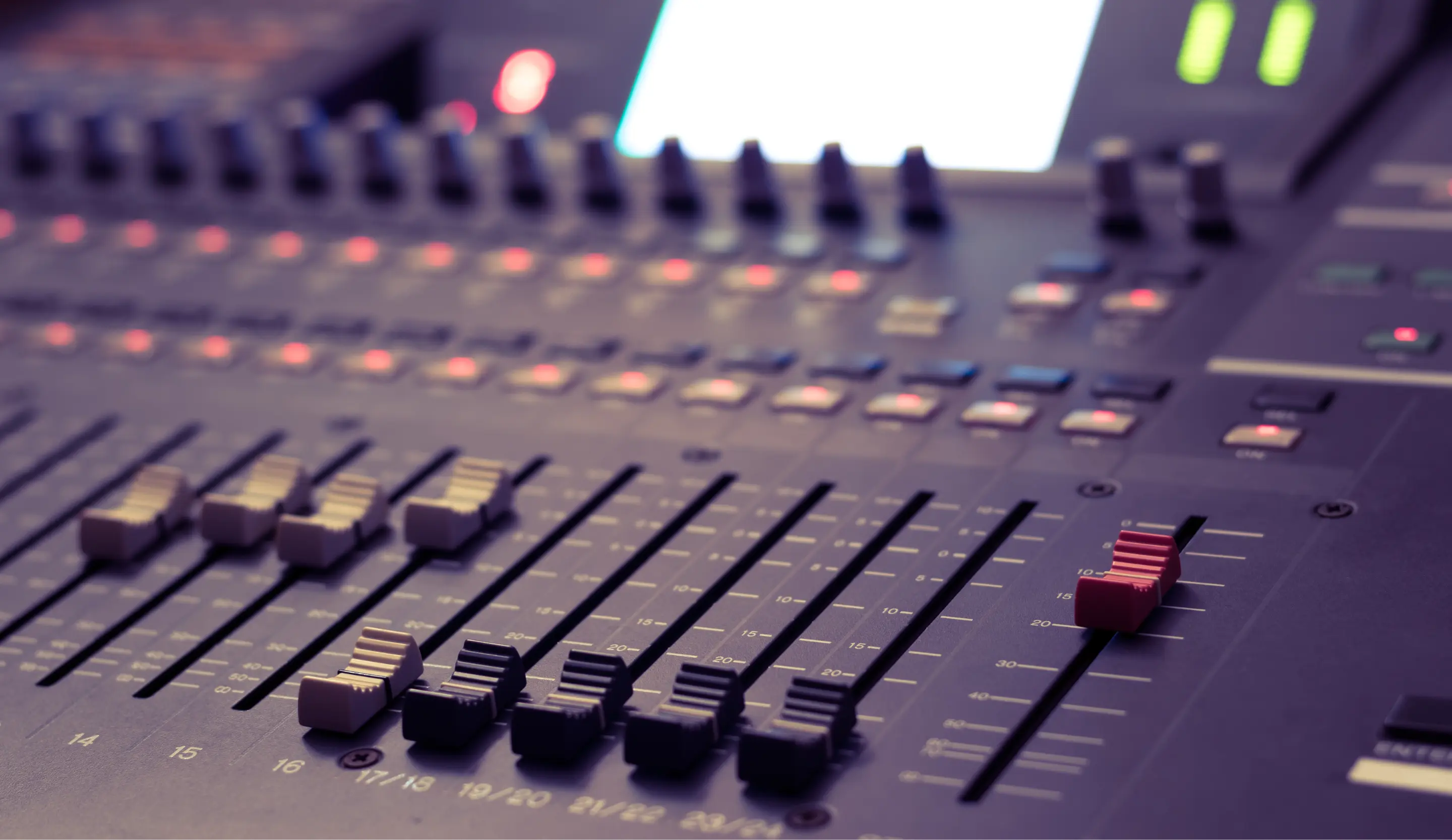
AI tools can take hours out of the busywork around an episode: sorting research, drafting an outline, turning audio into a transcript, and drafting show notes. They cannot decide what your show is about, conduct the conversation, or make the editorial calls that turn a long recording into an episode people finish. The useful question is not whether to use them, but which steps to hand over and which to keep with people.
This guide does not rank specific products. Tools change quickly, so test any option on a real episode before you rely on it.
Before recording: research and outlines
AI can summarize a guest's public interviews, list questions that come up often, or turn a page of notes into a rough outline. Treat that output as a starting point, not as research.
Summaries can mix up people with similar names, invent quotes, or repeat outdated information with confidence. Check every fact you plan to say aloud against the original source. The best interview questions usually come from something specific you found yourself; the interview tips guide explains how to build them.
For structure, AI is good at suggesting an order for topics you already chose. Decide which parts need exact wording, such as an intro, sponsor read, or call to action, and write those yourself. The script-versus-freestyle guide covers that choice.
During recording: keep it human
The conversation is the part listeners came for. Reading AI-generated questions word for word tends to sound flat and makes follow-ups harder, because you are reading instead of listening.
Clean source material matters for everything that comes after. Separate tracks for each speaker make transcripts more accurate and give an editor more control. Record in a quiet, controlled room and run a short test before the episode.
After recording: transcripts and show notes
Automatic transcription is one of the most reliable time savers. A transcript makes it easier to find moments in a long recording, draft show notes, and check what was said.
Review it before you publish or quote from it. Common errors include:
- names of people, companies, and places;
- numbers, dates, and prices;
- technical terms and jargon;
- who said what when people talk over each other.
AI can draft show notes and episode descriptions from the transcript. Edit them so they sound like your show and describe what the episode actually delivers. Avoid generic phrases that could fit any episode. The podcast SEO guide explains what makes titles and descriptions useful to people searching.
The edit is where judgment matters
Automatic editing features can produce something fast, but they work by rules, not by understanding the conversation. A one-click filler remover can cut the pause that gave a line its weight. Automatic camera switching can cut to whoever is loudest instead of whoever the moment belongs to. Suggested clips can lift a sentence out of context so it says something the speaker did not mean.
A good edit makes choices a tool cannot: which tangent to cut, which reaction shot to hold, which thirty seconds stand on their own as a clip, and how to open the episode so people keep watching. Those choices decide whether a viewer stays past the first minute. The editing guide covers the decisions that shape the final cut.
JPR's editing service handles that work: multi-camera edits with camera switching that follows the conversation, audio cleanup, captioned vertical clips for social platforms, and custom intros. For sessions recorded at JPR, editors start from the raw camera feeds and separate audio tracks, so they can fix one voice or one angle without compromising the rest.
Keep a person on the final review
Whatever you automate, end with a person who watches or listens to the final episode and reads everything that publishes with it: title, description, show notes, captions, and clips. That review is where errors are caught before your audience or your guest finds them.
Used this way, AI handles the paperwork around a show and leaves more time for what makes it worth hearing: preparation, the conversation itself, and an edit made by people who understand both.
Questions answered
Frequently asked questions
01Can I publish an AI-generated transcript without reviewing it?
It is safer not to. Automatic transcripts often get names, numbers, technical terms, and overlapping speech wrong. Review at least the parts you publish or quote.
02Can AI tools edit a podcast episode for me?
They can automate parts of the work, such as transcripts or a rough cut, but choosing moments, pacing, camera cuts, and clips still takes an editor's judgment. JPR's editing service covers multi-camera edits, audio cleanup, social clips, and intros.
Keep learning
Related resources

article ·
Podcast Editing Guide: Six Concepts That Shape the Final Episode
Understand cleanup, pacing, level balance, music, multi-track mixing, and export choices before editing a podcast yourself or hiring help.
Read article
article ·
Podcast SEO: A Current Guide to Helping People Find Your Show
Use clear topics, accurate metadata, episode pages, transcripts, distribution, and measurement to improve podcast discoverability without ranking promises.
Read article
article ·
How to Grow a Podcast Audience Without a Listener Guarantee
Define a specific audience, publish sustainably, package each episode clearly, repurpose selectively, involve guests, and measure what earns return listening.
Read article